About
iCloud Backup is a small suite of macOS command-line tools that solve a specific blind spot in iCloud Drive. When macOS's "Optimize Mac Storage" functionality offloads a file to the cloud, what's left on disk is just a placeholder — a few-byte .plist stub, not the real data. That quietly breaks the tools you'd normally reach for: disk-usage analyzers like DaisyDisk can't see your true storage footprint, and backup tools like rsync happily copy the placeholders instead of the actual files, producing a backup that looks complete but contains nothing.
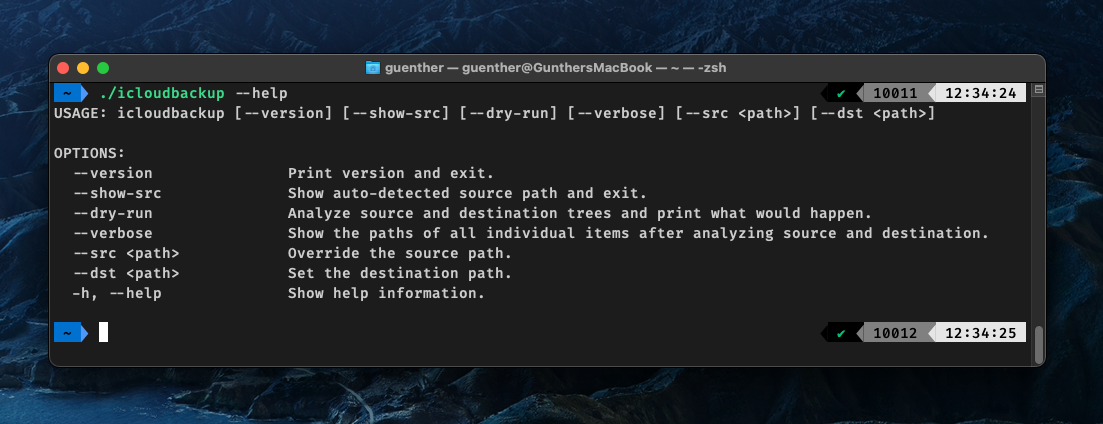
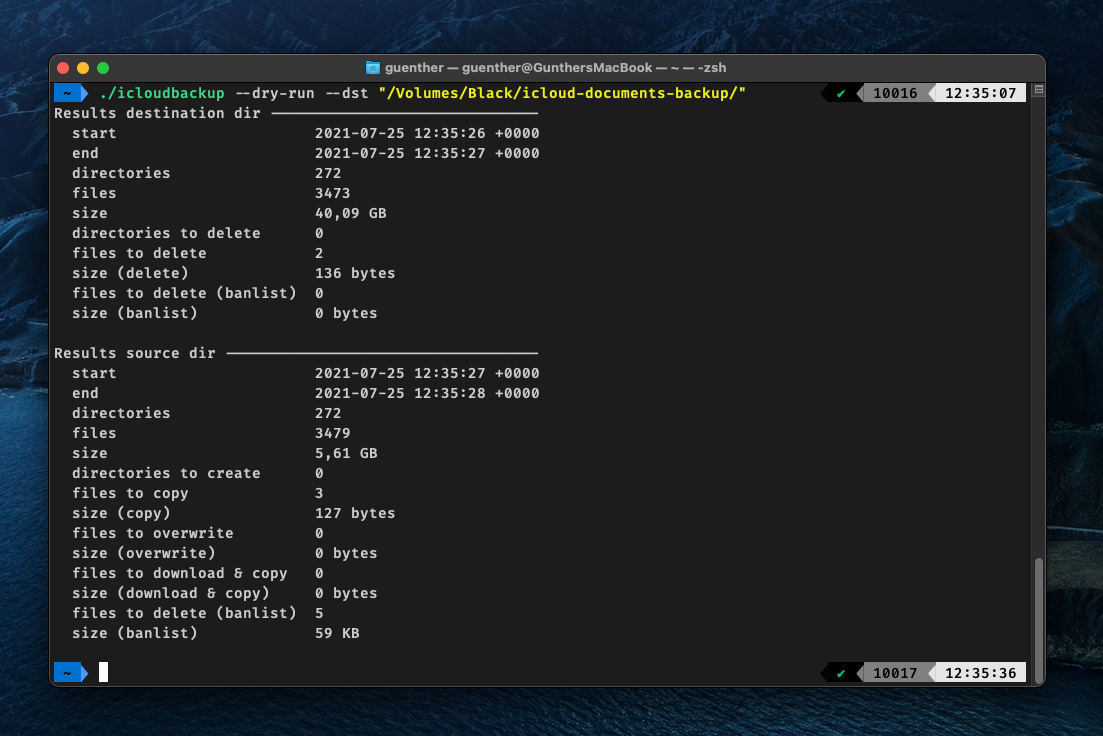
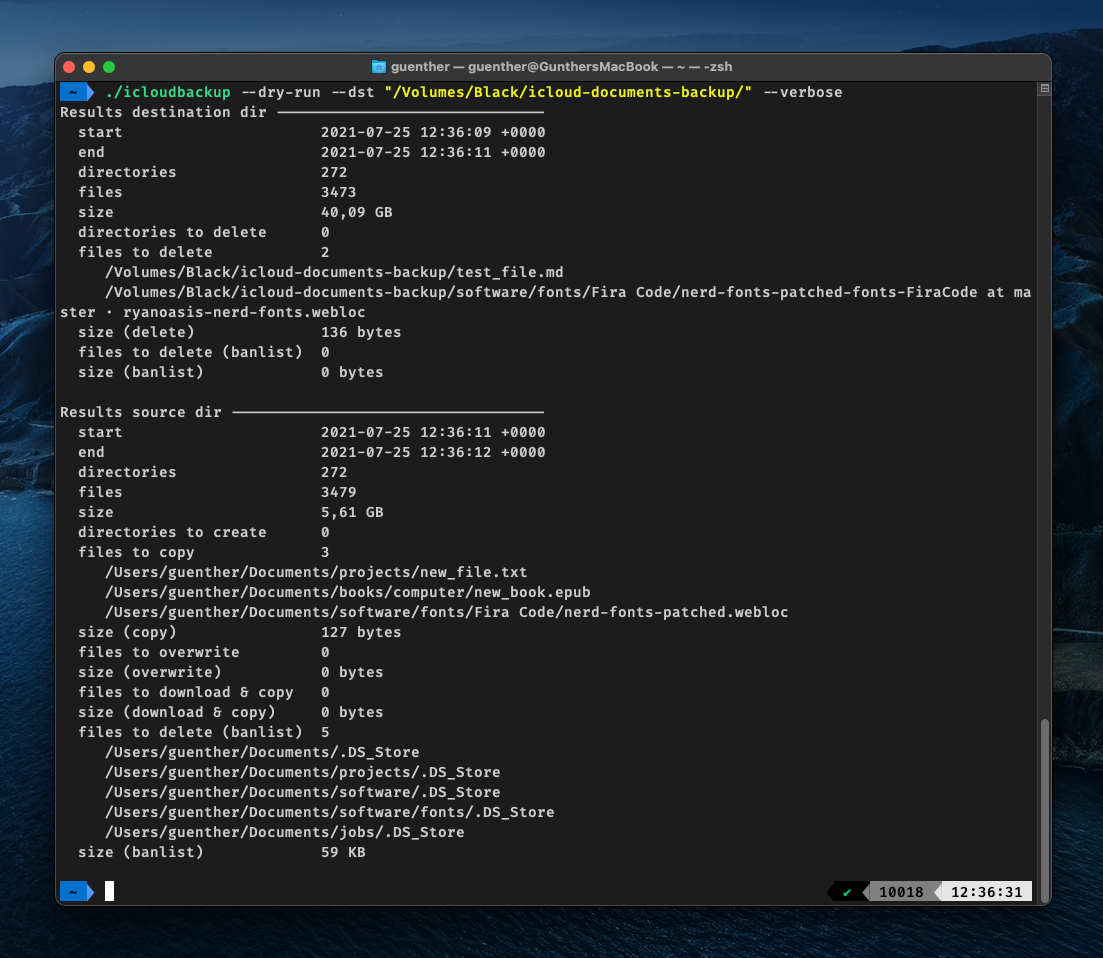
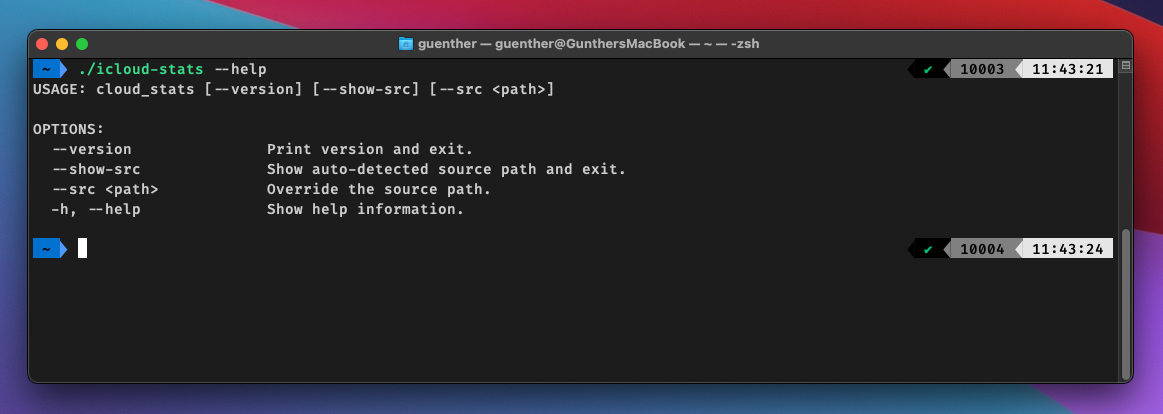
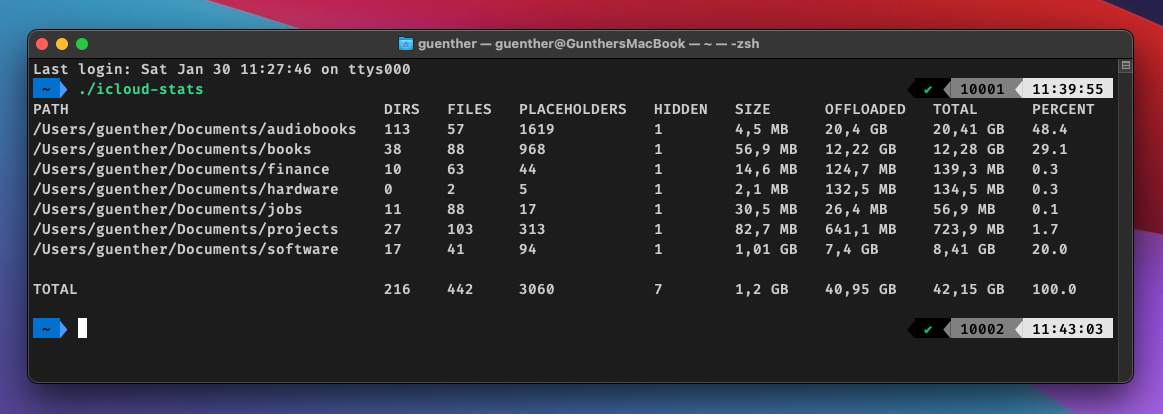
The suite handles this correctly by working with the download/copy/offload lifecycle. icloudbackup copies your real iCloud Documents onto a connected drive, with a --dry-run mode that shows exactly what would happen first; icloudstats reports on what's actually stored locally versus offloaded; and iclouddownload/icloudoffload let you materialize or free up whole directory trees on demand. Everything is driven by explicit flags, so it slots naturally into scripts and scheduled jobs.
To be honest about the edges: The backup destination currently has to be APFS-formatted — copying to eg. exFAT works, but file attributes can't be restored afterward. And there's no progress indicator yet for long-running operations. It's a focused personal utility rather than a polished product, but it does the one genuinely tricky thing — backing up files that aren't physically there — that the obvious tools get wrong.
Source on GitHub.
Status
Active as of July 2026.
Screenshots
Tech Stack
Swift 5.5, Xcode 13.1
Swift Argument Parser by Apple for flags and options
Chalk by Max Howell for colors in the terminal
License
MIT