About
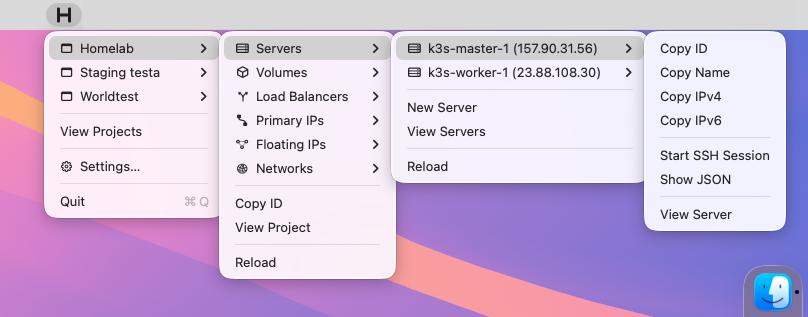
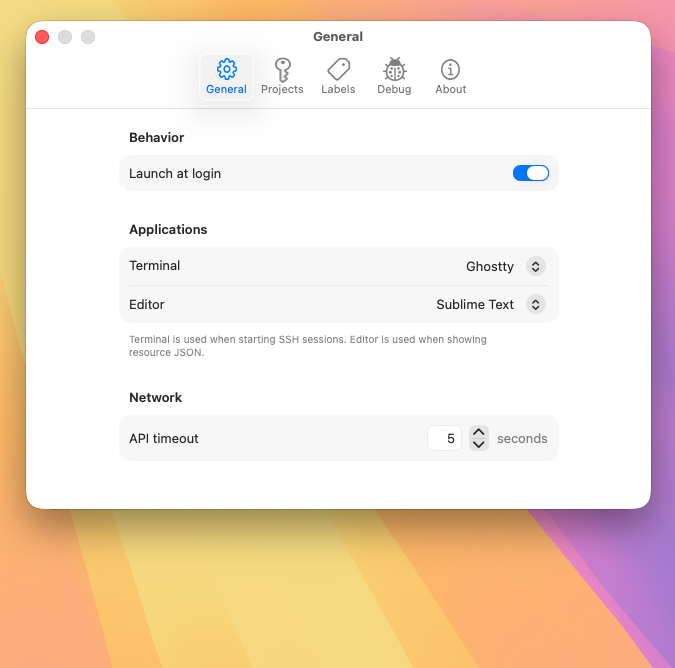
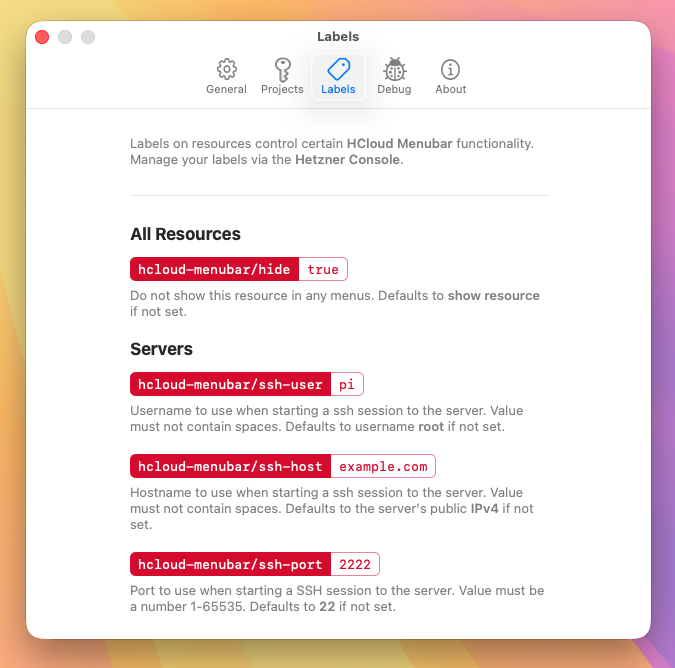
HCloud Menubar puts your Hetzner Cloud projects into the macOS menu bar. From there you can inspect resources, copy IDs, names, and IP addresses, open an SSH session, or deep-link straight into the Hetzner Cloud Console — without opening a browser first. It supports multiple projects and environments, and rather than forcing a particular toolchain it integrates with a broad range of terminal emulators (Terminal, iTerm, Ghostty, Kitty, WezTerm, Warp, and others) and text editors (VSCode, Sublime, Nova, BBEdit, and more) for launching sessions and viewing raw resource JSON.
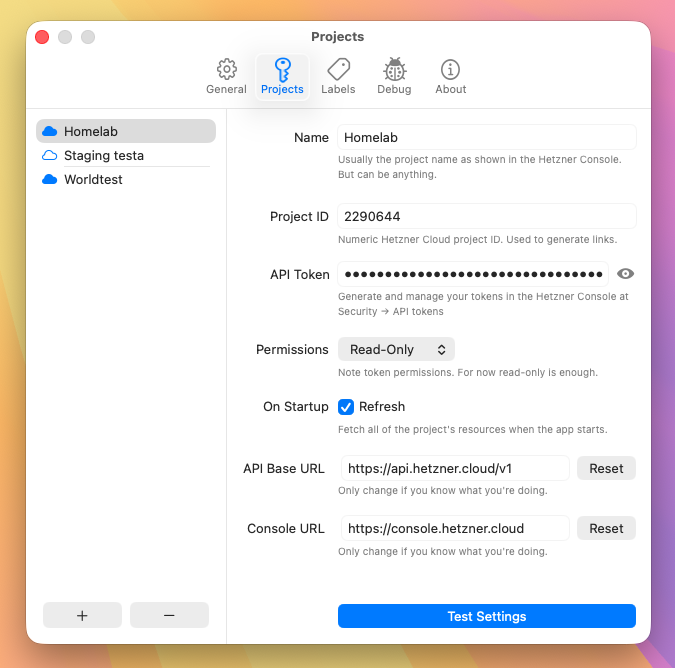
The app is written entirely in Swift/SwiftUI with zero external dependencies — a deliberate constraint. It compiles to a ~1.2 MB binary, uses roughly 30 MB of RAM in normal operation, and ships no tracking, analytics, or telemetry. Because it talks to the Hetzner API with your own token, it's distributed as source only: no Mac AppStore build, no Homebrew formula, no pre-compiled binaries. You build it yourself in Xcode, which keeps the code handling your credentials fully auditable and ensures the token never leaves your machine.
To be clear about scope: This is a personal hobby project, not a product with support and not an official Hetzner integration. It exists to solve one specific, recurring annoyance — the constant round-trips to a web console during day-to-day infrastructure work — with an emphasis on speed, transparency, and doing one thing well.
Source on GitHub.
Status
Active as of July 2026.
Screenshots
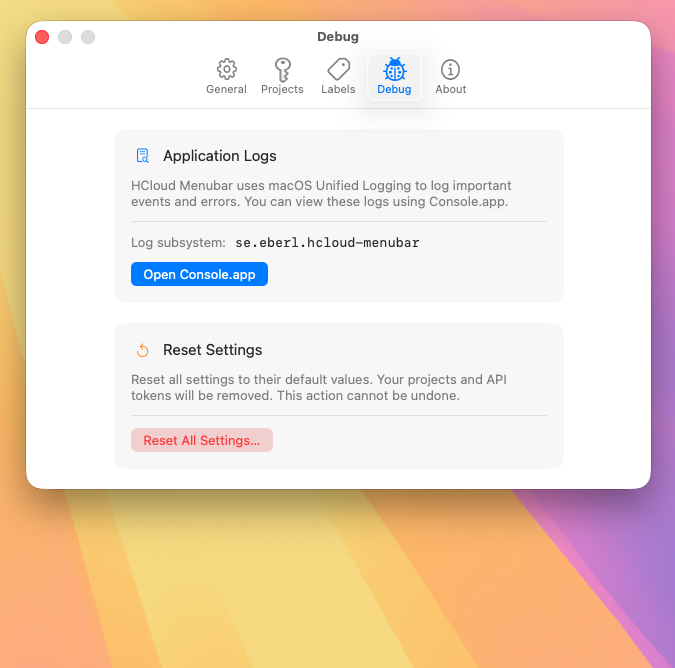
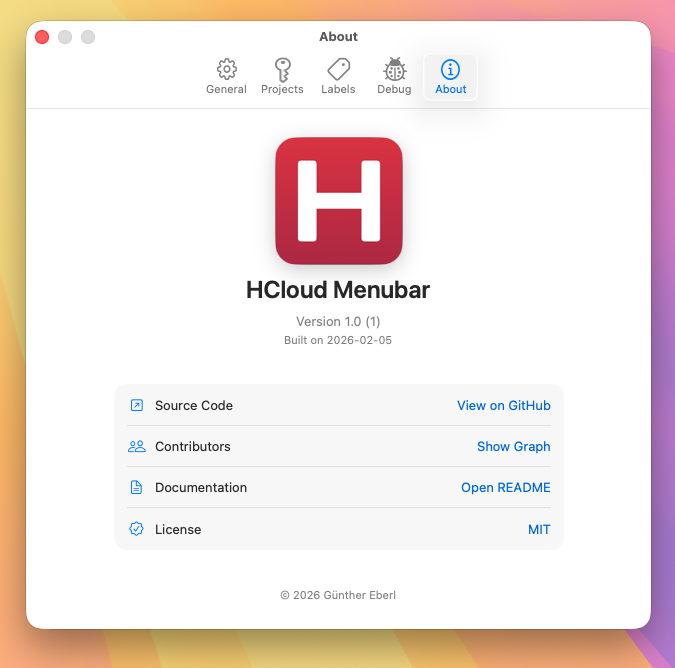
Tech Stack
Swift 5, Xcode 16.0, SwiftUI
License
MIT